Sep 24, 2025
Sep 24, 2025
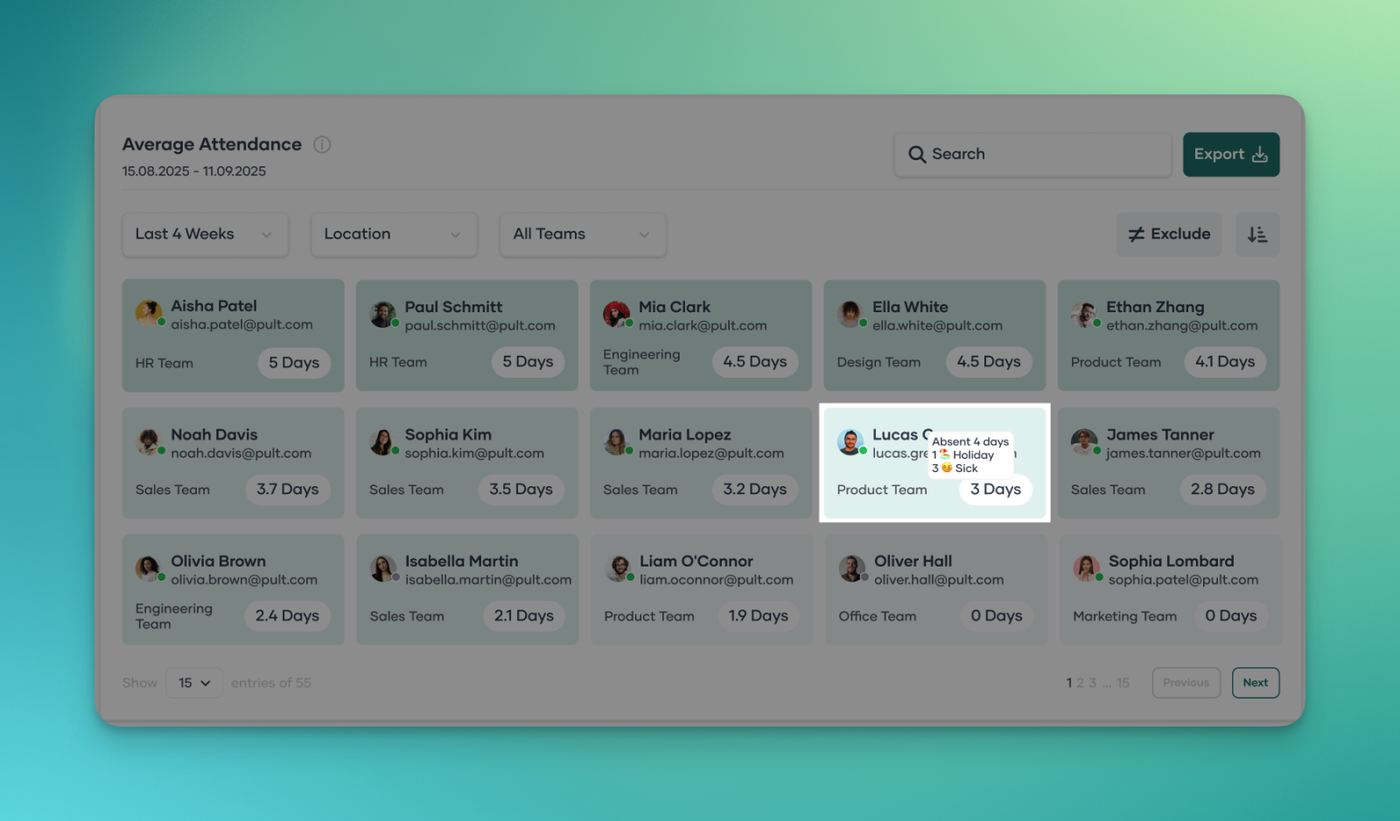
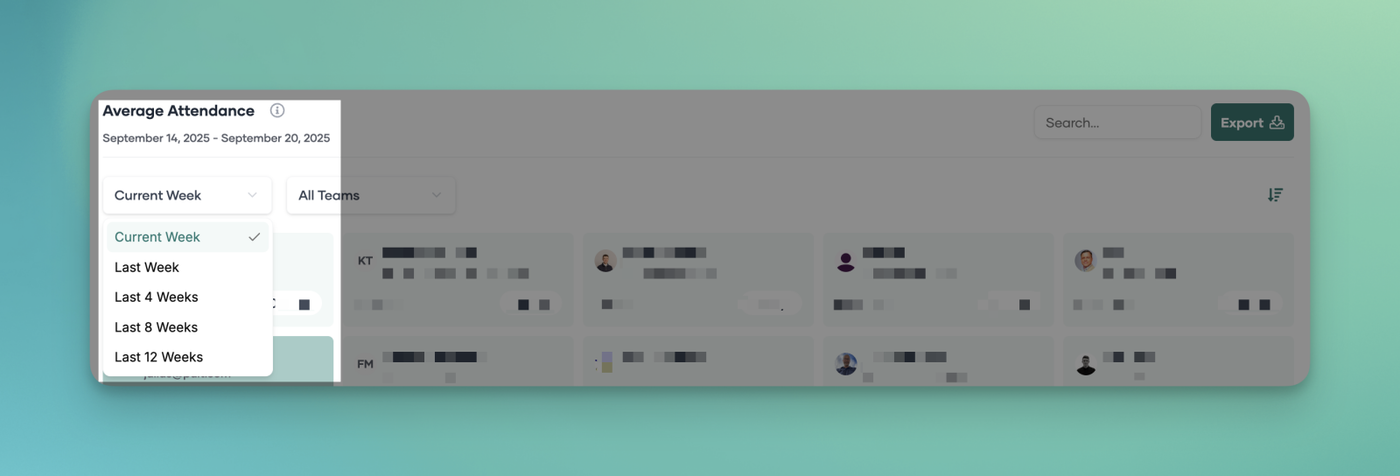
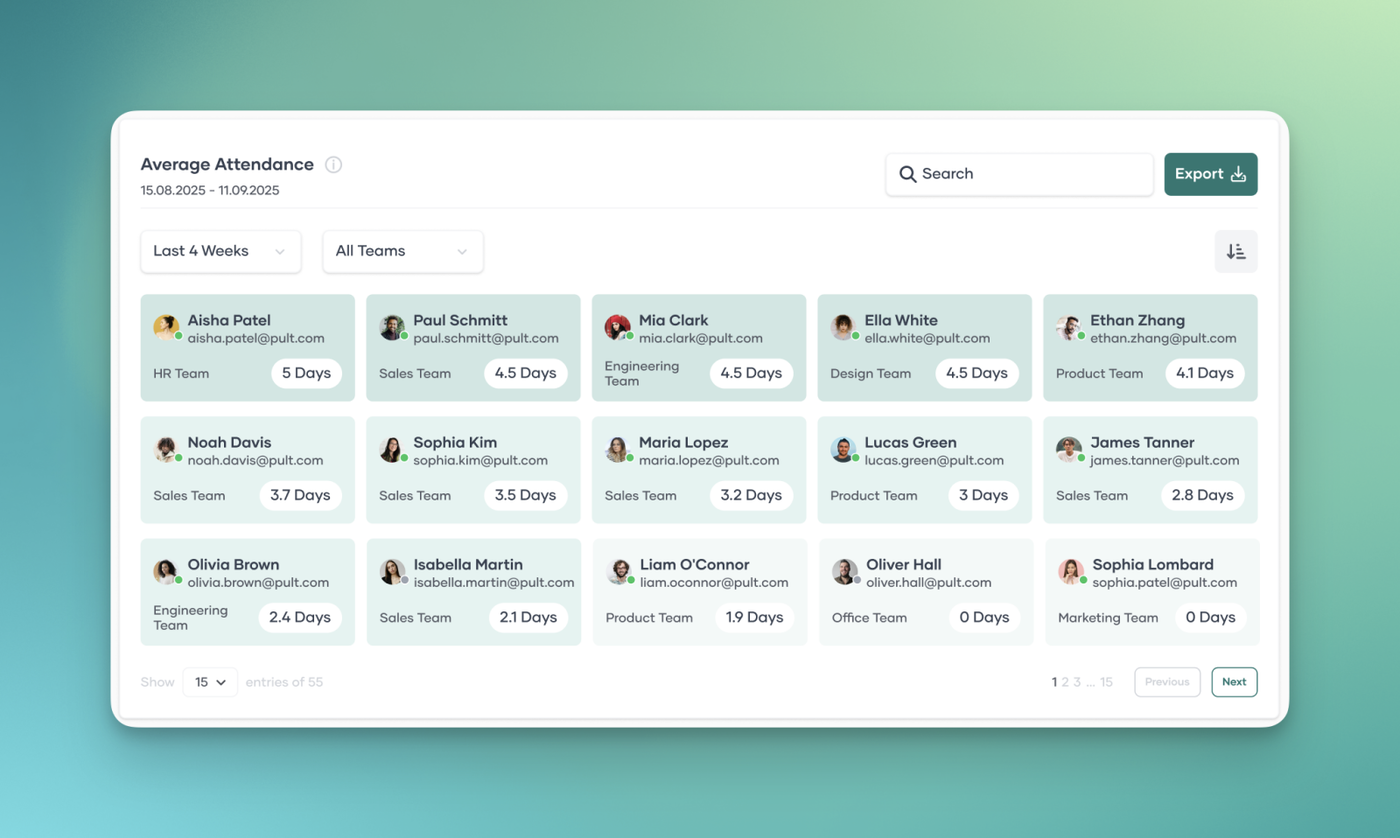
- You can now exclude specific absence types—such as Public Holidays, Vacation Days, Sick Days, and Others—from the Average Attendance Graph calculations.
- This gives you more control and ensures the graph reflects attendance in the way that best suits your reporting needs.

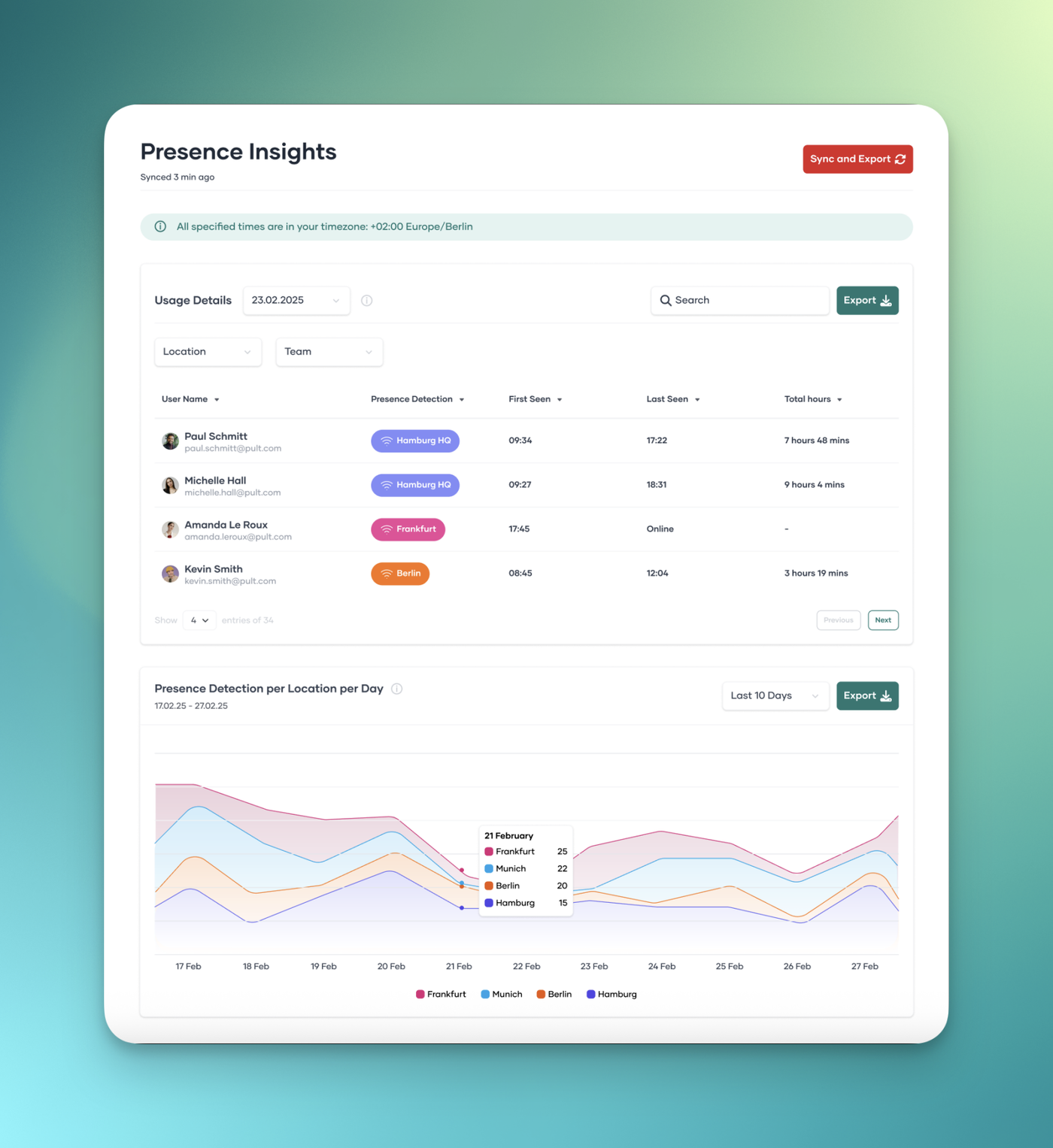
- When absence types are included, the graph now also displays which employees had which type of absence within the selected time frame.