Jan 07, 2026
Jan 07, 2026
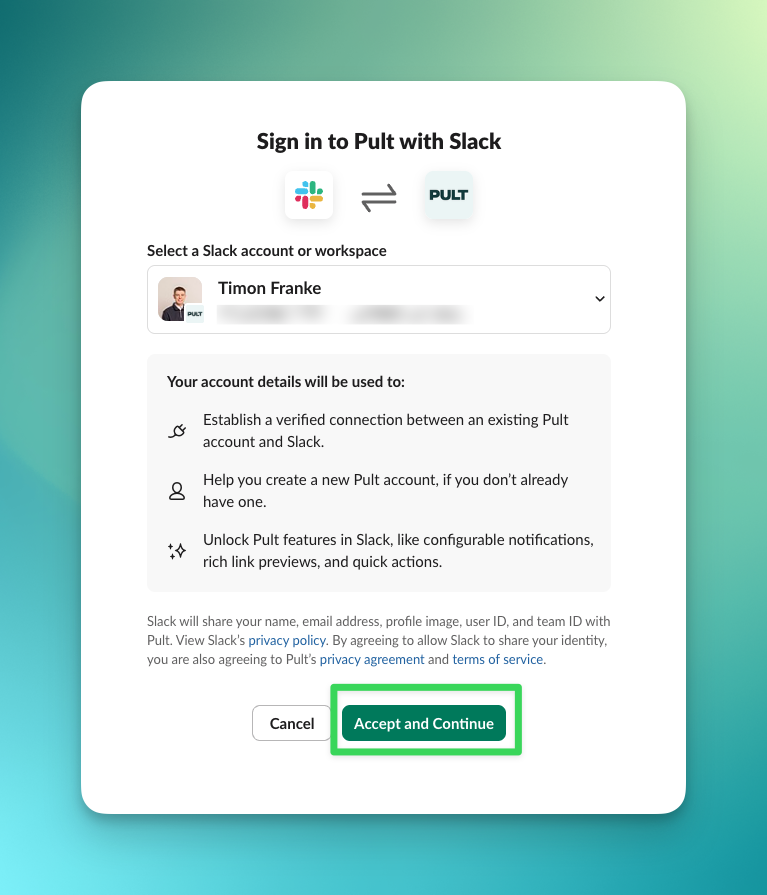
Improved “Sign in with Slack” Experience
What’s changed
- Users are no longer prompted to grant Slack permissions every time they sign in.
- A one-time Slack authorization by an admin is now sufficient for the entire workspace.
What admins need to do (one-time setup)
1. Sign in to PULT as an admin.
2. Go to Integrations → Slack.
3. Click Connect Slack Admin to authorize the Slack app.
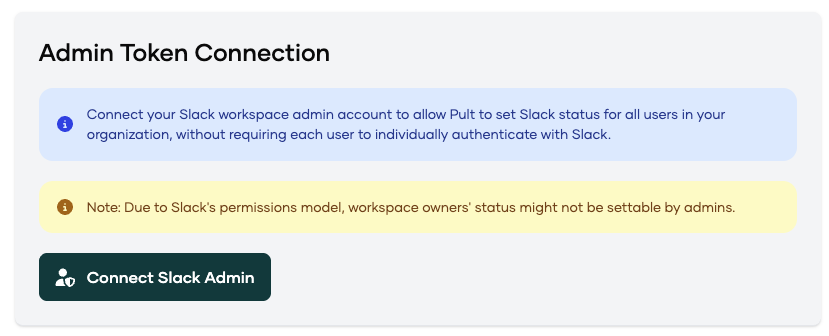
This installs the required permissions once per workspace.
User Status Sync
- If User Status Sync is enabled, Slack statuses will automatically sync with PULT presence.
- If disabled, no additional Slack permissions are required.
Result
- Users can sign in smoothly with Sign in with Slack.
- No repeated permission prompts on subsequent logins.
- Users will now see the updated Slack sign-in page.