Pult now uses artificial intelligence to make your workspace even more efficient.
Our new AI Meeting Room Agent analyses how your rooms are used and provides smart, actionable recommendations to improve scheduling and space management.
Here’s what it can do:
- 📏 Suggest moving small meetings to appropriately sized rooms
- ⏱️ Recommend adding buffer times between appointments
- ⚖️ Help balance room utilization across your spaces
You’re always in control — the AI only makes recommendations, and you decide what to apply.

Users can now set a custom profile picture in PULT, even if their photo is synced from Slack or Microsoft Teams. This gives everyone full control to choose a different image in PULT without affecting other platforms.
To update the picture, users can go to the personal settings page and hover over the current profile photo to edit or delete it.

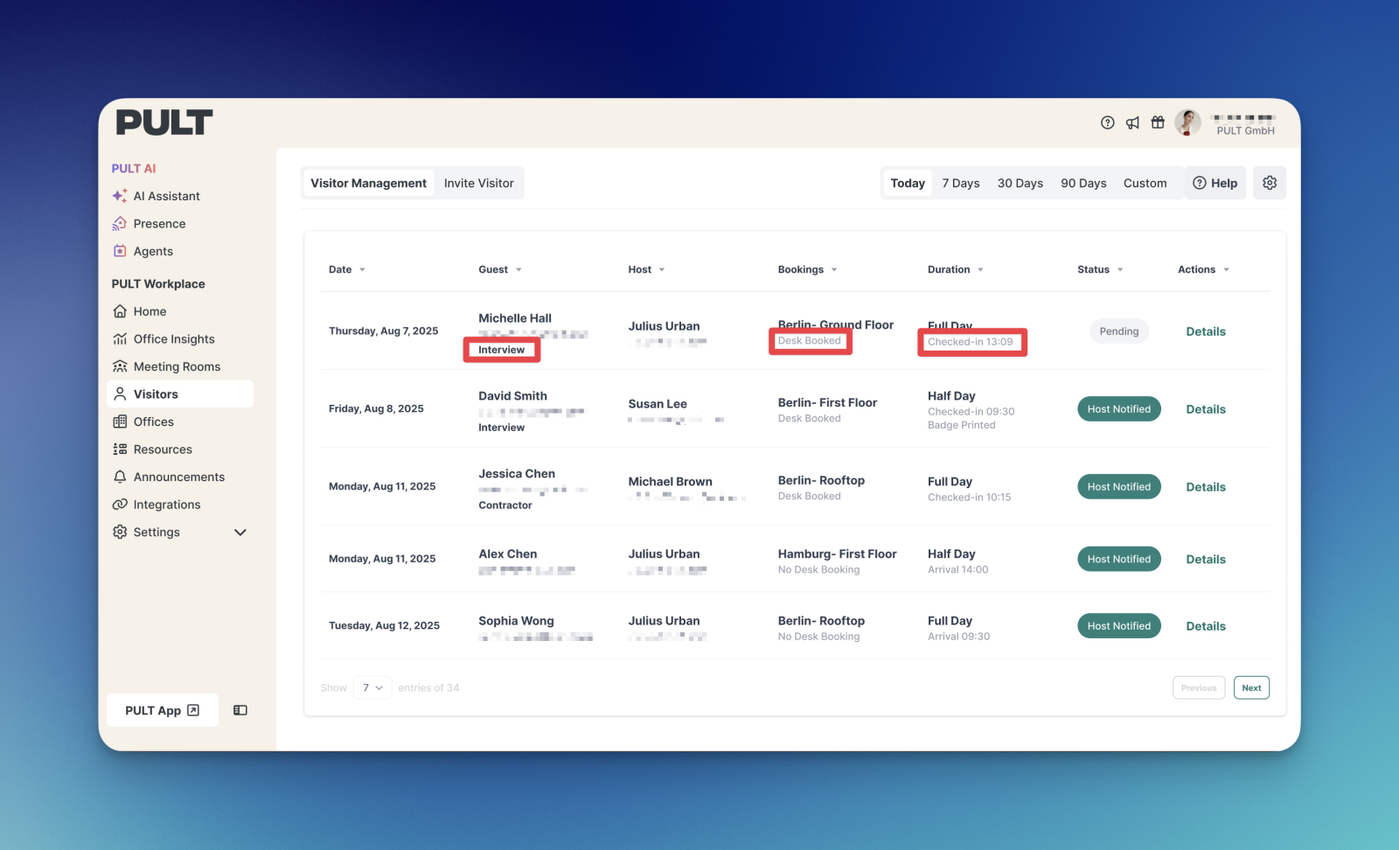
Admins can now manage visitor check-ins and check-outs directly from the PULT Dashboard — making it easier than ever to handle arrivals and departures efficiently.
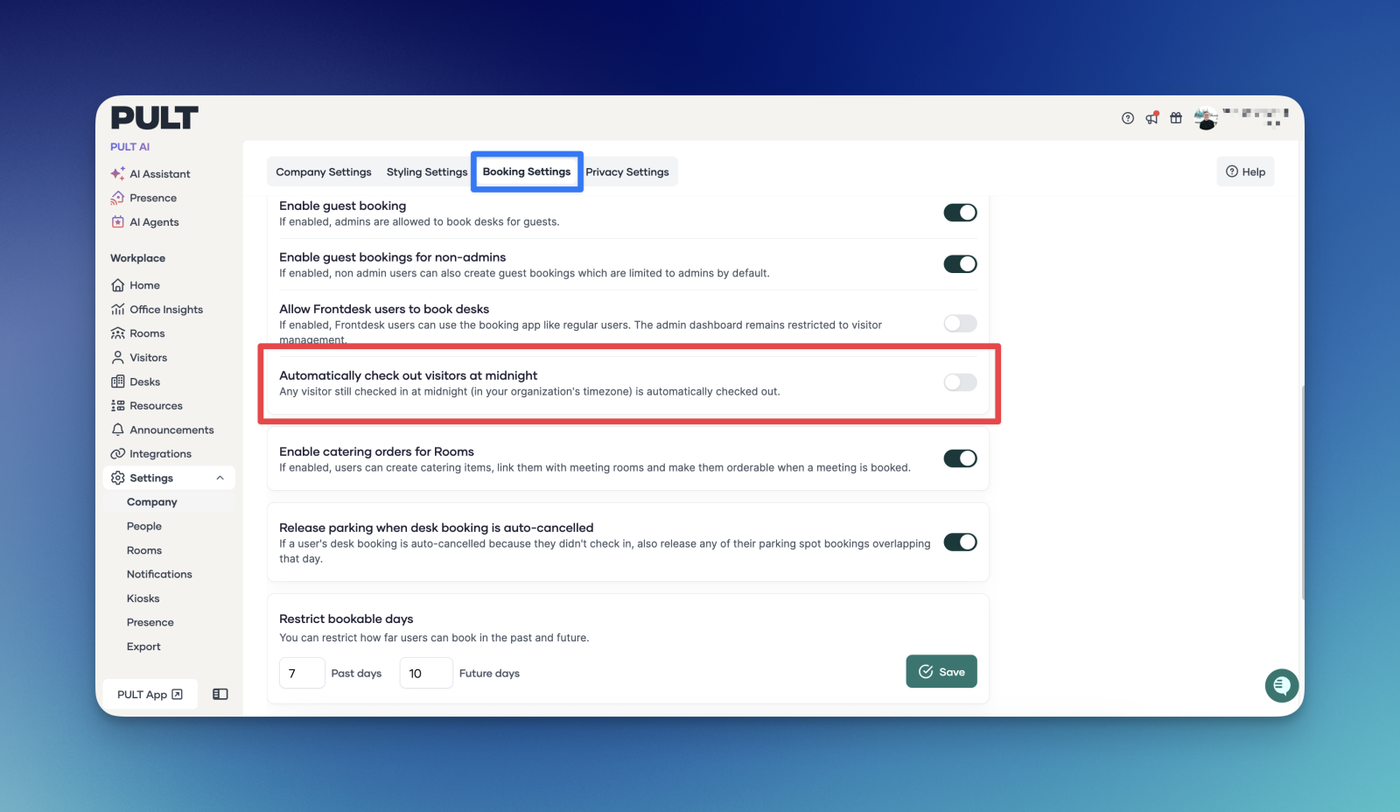
This improvement is especially helpful for large groups or situations where a visitor checks in through the PULT Kiosk but forgets to check out. In these cases, the host can now check them out manually from the Guest Details Page.
Key benefits:
- Simplifies handling of group visits and busy periods
- Gives hosts and admins more flexibility and control
- Keeps visitor records accurate and up to date
A smoother, faster way to manage guests — all from one place.

Users can now add a visitor’s company when creating a new guest booking! This lets you easily associate each guest with their company, making visitor tracking and reporting more organised.

Even better — that info now shows up on the Guest Booking Dashboard, so you can instantly see who’s dropping by and which company they represent.

We’ve introduced Selective Meeting Room Synchronisation to give you more control over which meeting rooms from Microsoft Active Directory (AD) / Entra ID are synced into PULT.
With this update, you can now choose exactly which rooms should sync:
- Select individual meeting rooms you want synchronized.
- Select AD groups and automatically sync only the meeting rooms that are part of those groups.
This ensures your PULT setup reflects only the meeting rooms you care about, keeping your environment clean, efficient, and easier to manage.

- You can now exclude specific absence types—such as Public Holidays, Vacation Days, Sick Days, and Others—from the Average Attendance Graph calculations.
- This gives you more control and ensures the graph reflects attendance in the way that best suits your reporting needs.

- When absence types are included, the graph now also displays which employees had which type of absence within the selected time frame.

We’ve improved the Average Attendance time selector on the Presence Insights page to highlight Current Week and Last Week. The Current Week reflects attendance from Monday up to today, while Last Week represents the full span from the previous Monday through Sunday. This update makes it easier to compare recent attendance patterns at a glance and quickly identify shifts in team presence over time.

We’ve expanded Presence visibility so that Team Leads now have access to the Presence data of their team. This update gives leads better insight into team availability, making it easier to coordinate schedules, manage workloads, and support collaboration. Only the Presence data of the team members a lead manages is visible, ensuring transparency while keeping data focused and relevant.

We’ve made the Presence dashboard even more insightful!
You can now view the average weekly attendance per employee across your selected time range. Each tile displays the employee’s name, team, and average attendance, with color-coded visuals that make it easy to see how often each person comes into the office.
This update gives you a clearer picture of attendance patterns to help with planning and team visibility.