Welcome to the Pult Changelog! 🚀

Here you'll find all the latest updates and improvements we've made to the platform. If you have any questions, feel free to reach out to our support team at support@pult.com

© 2026 PULT GmbH

New Feature

Mar 20, 2026

Finding the right desk just got faster. You can now search for desks directly within the PULT, making it easier to locate available spaces by name without manually browsing through your floorplan. This is especially useful in larger offices where navigating between zones takes extra time.

Mar 13, 2026
The PULT Presence Agent is now officially supported on Linux, expanding compatibility across all major desktop platforms.
With this update, the Presence Agent can now run on:
  • Mac
  • Windows (PC)
  • Linux
This improvement allows teams using Linux environments to take full advantage of presence detection and workspace automation powered by PULT.
Feb 25, 2026

Users can now see directly from the Home page who is bringing a dog to the office and who has booked parking for the selected day.

This information is displayed in the Employees navigation bar, shown next to each person’s name for quick visibility.

The indicators are dynamically linked to the currently selected date, ensuring the information always reflects that selected day.

Feb 24, 2026

You can now define parking booking limits at a group level, instead of relying on a single global limit.

Booking limits for groups are calculated based on the accumulated bookings of parking spots within the group per day.

This setting is available in Policy Settings, allowing administrators to configure granular booking rules aligned with organizational needs.

Feb 10, 2026

PULT Admins can now generate fully custom reports using our built-in AI Assistant.

By using the Scheduled Reports feature simply write a prompt describing the report you need, and the AI takes care of the rest. You can define exactly what the report should include and how it’s delivered, all in one place.

With this new feature, Admins can:

Describe report requirements directly in a prompt:

  • Specify columns, structure, and output format
  • Control anonymization of employee data

Schedule reports to run automatically:

  • On a recurring frequency or a specific day of the month At a chosen time of day
  • Choose recipients — the report is sent automatically by email

The result? Precise, automated reports tailored exactly to your needs — no manual setup, no repetitive work.

This makes reporting faster, more flexible, and smarter than ever. 🎉

Feb 04, 2026

Parking Spot Insights are now available to users for the first time through the PULT AI Assistant. Simply ask the assistant what you need to know to get detailed parking insights directly within PULT—making it easier than ever to find answers and make informed decisions.

Jan 30, 2026

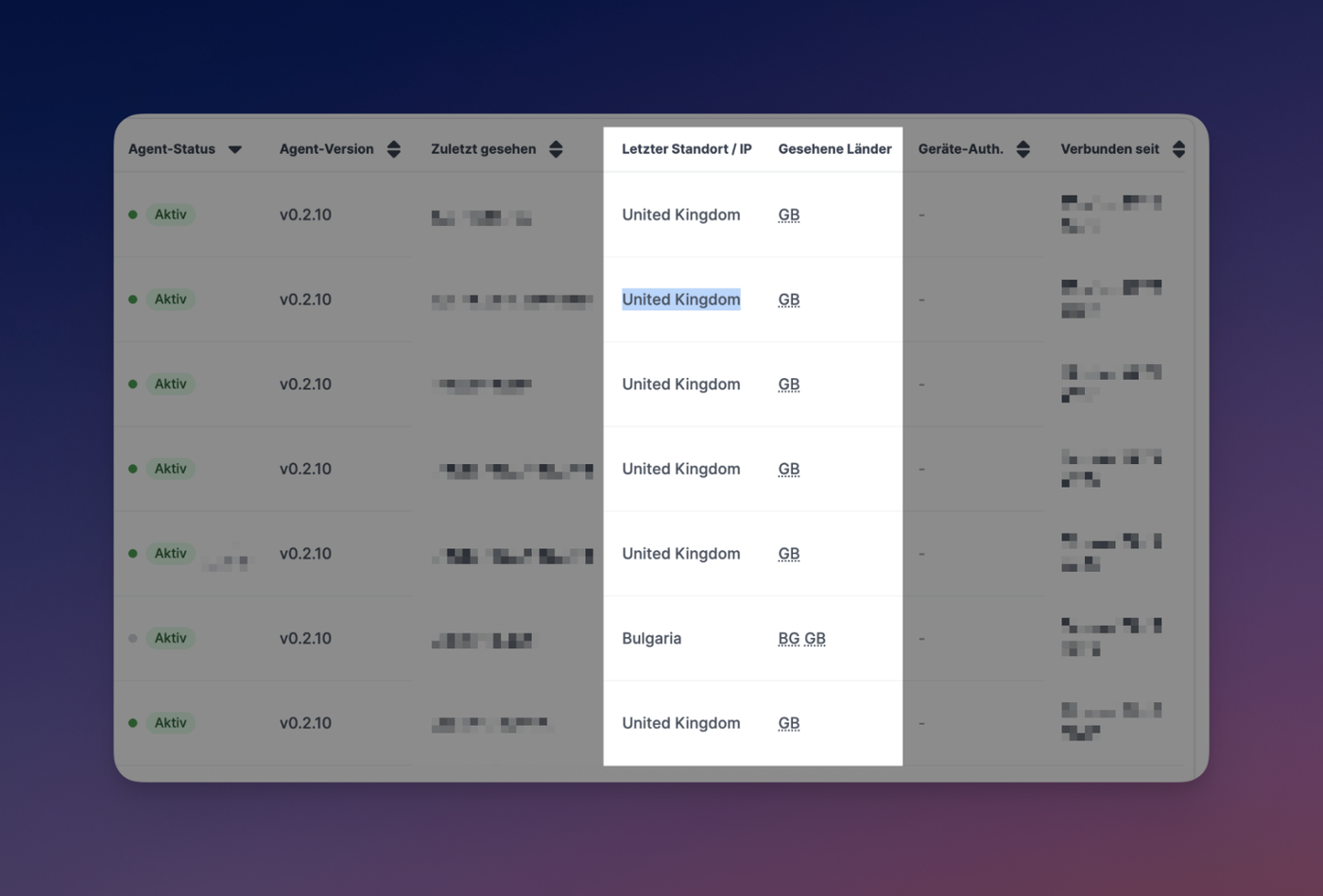
Admins can now see each user’s latest device authentication status in the People page.

  • Shows whether a user is linked to a device
  • Visible at a glance (icon/tooltip or column)
  • Makes Pult agent rollouts easier to track and manage
Jan 23, 2026

The PULT AI Assistant has been expanded to support meeting room data. You can now ask questions and get information about meeting room bookings, along with access to related insights and statistics. This update makes it easier to understand room usage, review booking activity, and surface key trends—all directly through the AI Assistant.

Jan 22, 2026

You can now export visitor information for a selected time frame using our new AI-powered export flow. Simply choose your desired date range and click Export with AI. You’ll be redirected to the PULT AI Assistant, where the relevant visitor data is automatically gathered and prepared. Once complete, the data can be downloaded as a CSV file for easy analysis and reporting.

The exported CSV includes the following columns:

  • Date
  • Guest Name
  • Guest Email
  • Host Name
  • Host Email
  • Status
  • Check-In Time
  • Check-Out Time
  • Expected Arrival

This update makes it faster and more flexible to access detailed visitor data whenever you need it.

Jan 13, 2026

We’ve added an AI Assistant to the Dashboard to help you quickly gain insights from your workplace data—using simple, natural language questions. 

    Examples of what you can ask

    • Today’s employee bookings
    • How many guests did not check out
    • The ratio between booked desks and actual check-ins
    • Office capacity usage over the past month, broken down by office
    • and many more...

    The AI Assistant accesses system data only, meaning information that is available within Pult. Just type your question, and the AI Assistant will analyze the available data and return clear, actionable insights—no manual reports or exports required.

    Dec 22, 2025

    We’re excited to announce that PULT’s public roadmap is now live on Canny 🎉

    You can now:

    • 🗺️ View what we’re working on, what’s coming next, and what’s already shipped
    • 💬 Share feedback and leave comments on ideas and features
    • 👍 Vote on features to help us prioritise what matters most to you

    You can find the roadmap anytime directly from the top navigation bar in your dashboard, making it quick and easy to stay up to date or share your thoughts.

    Your input directly shapes PULT’s future—jump in and let us know what you’d love to see next!