Visitor Management — What's New
We've shipped a major round of improvements to Visitor Management, covering everything from how visitors are invited to how they check in — plus several quality-of-life fixes for admins.
Redesigned Visitor Invite Flow
Inviting a visitor has been completely reworked. Hosts can now provide richer information when sending an invite, including:
- Visitor type — choose from configurable types (e.g. Standard Visitor, Recruiting, Contractor) so the right questionnaire and flow is automatically applied to each guest.
- Internal notes — add context about the visit that's only visible to admins in the Pult dashboard.
- Invite on behalf of others — assistants and office managers can now invite guests on behalf of a different host by selecting them from a dropdown.
- Email is optional — an email address is no longer required to make a booking. Note that as a result, desk booking for a visitor is only available when an email address is provided.
Other improvements to the invite flow:
- Location Filter — Bookings can be filtered by location.
- Search for past guests — a new search bar lets hosts quickly find and select previously invited visitors. Search by name, surname, email or company
- Pre-fill from past visits — selecting a past guest automatically pre-fills their details, so repeat invites take just a few seconds.
- Easier booking edits — existing bookings can now be edited directly, without having to cancel and recreate them.
Visitor Types
— a brand new feature that gives admins fine-grained control over the check-in experience for different kinds of visitors. Create visitor types (e.g. Standard Visitor, Contractor, Recruiting) and link specific check-in flows to each one. This is particularly powerful for scenarios like:
- Serving questionnaires in different languages for international visitors
- Including or excluding an NDA signing step depending on the visitor type
How it works:
Create a visitor type, then link the relevant flows to it.
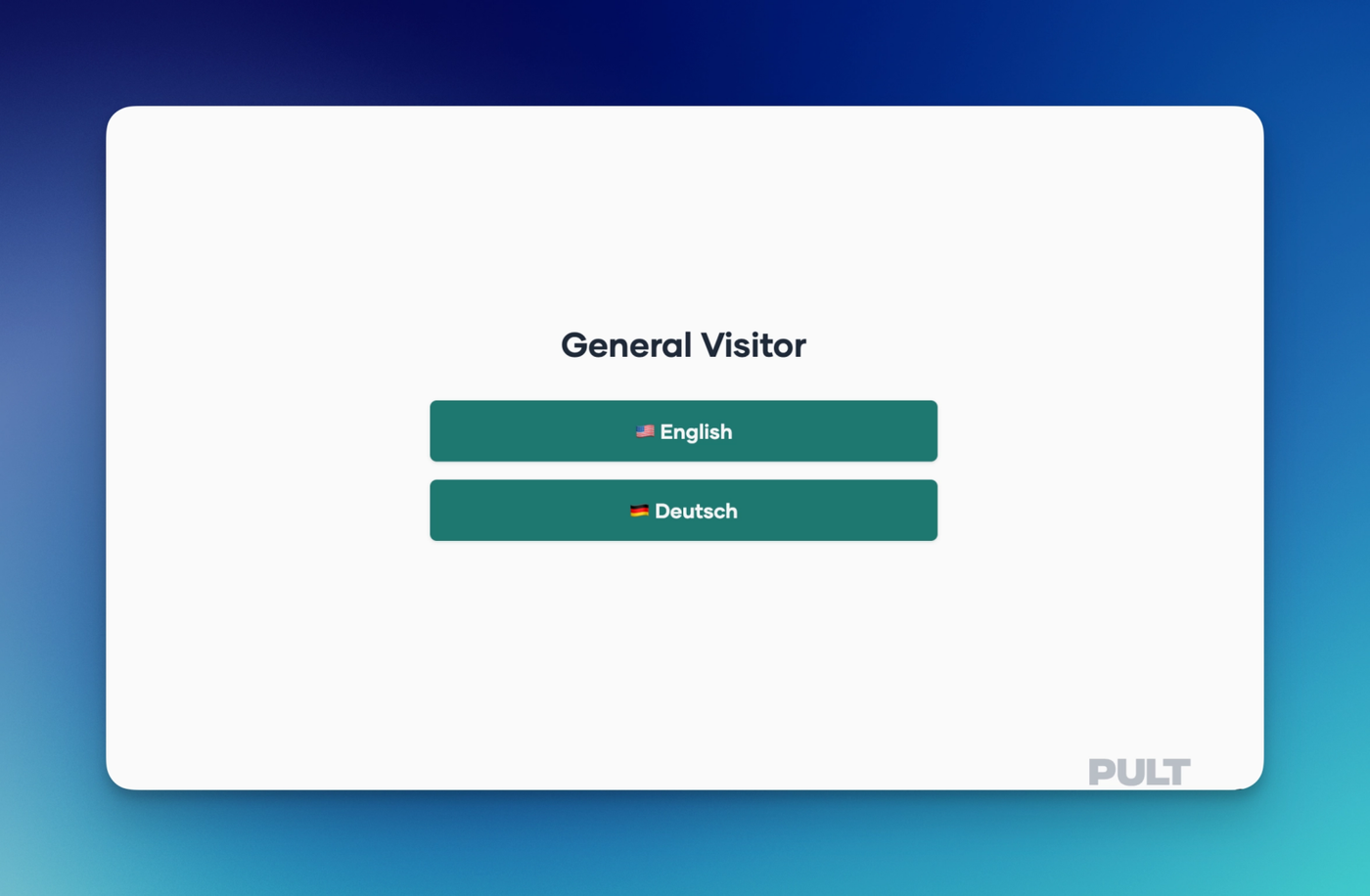
When a visitor checks in, they'll be presented with a choice of flows — and admins control what each option is called, so the labels shown to visitors are fully customisable.

This is what Visitors will see in the example of language selection:
Faster Check-In
Check-In No Longer Requires an Email
Visitors no longer need to provide an email address to check in.
Kiosk Language Selection
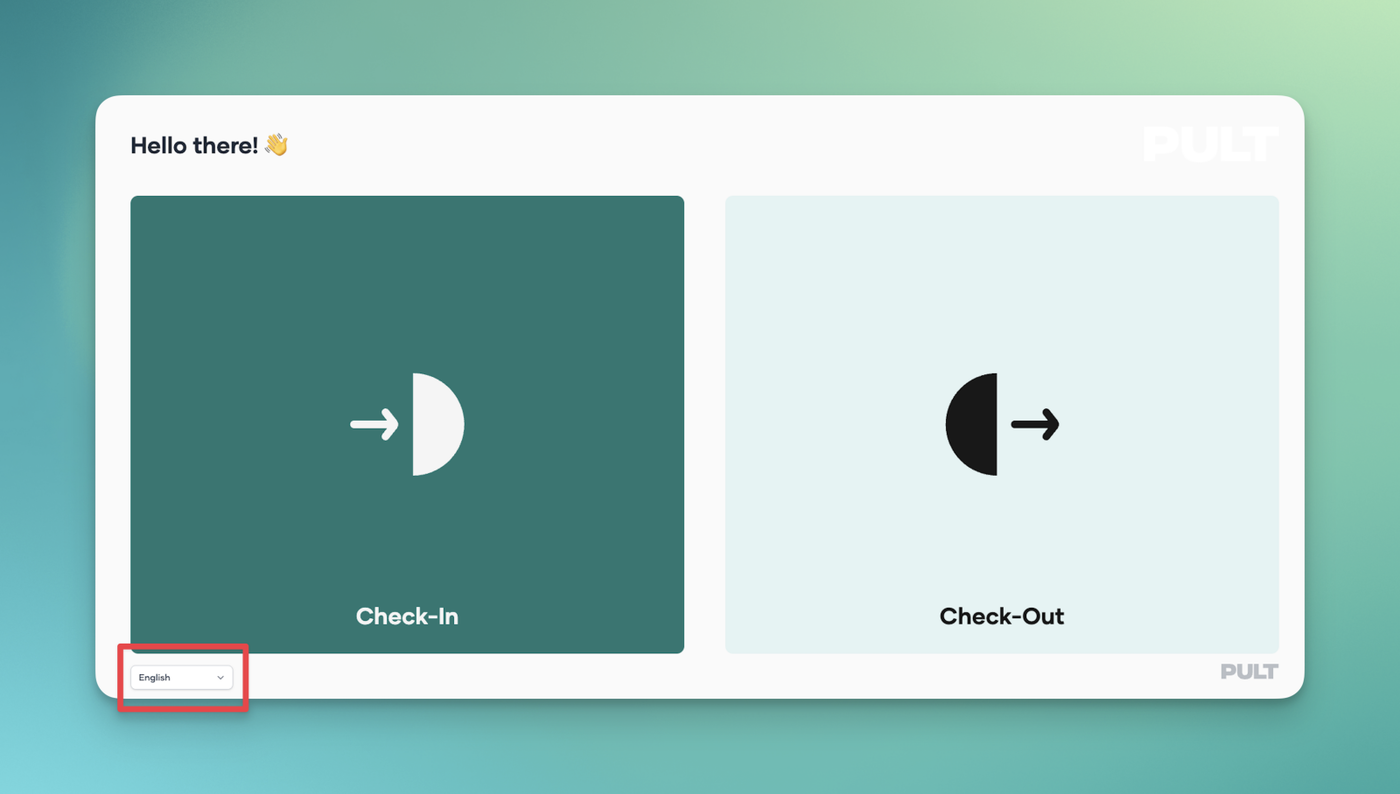
Hosts and reception teams can now set their preferred language for the Kiosk check-in experience. Choose between:
- 🇬🇧 English
- 🇩🇪 German (Deutsch)
Once configured, the entire visitor-facing check-in flow — including prompts, instructions, and confirmation messages — will display in the selected language, ensuring a seamless and consistent experience for your guests
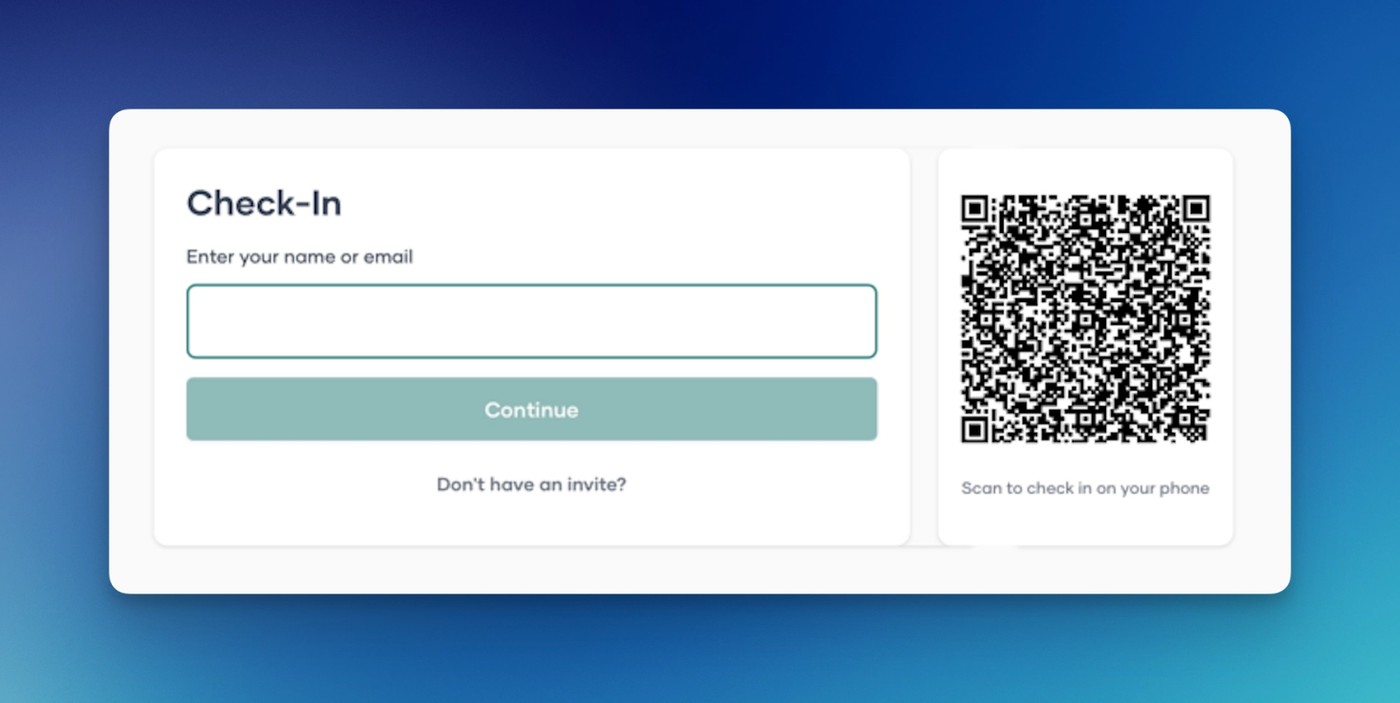
QR Code Check-In
Visitors can now be checked in via a personal QR code — a much faster option when large groups arrive at once. This can be configured by kiosk, and will not automatically be applied to all.
Admin Dashboard Updates
The Visitor Management dashboard has been refreshed with improvements for admins:
- Quick invite tab — invite a guest directly from the dashboard without navigating away.
- Internal notes — add and view visit notes from the dashboard view.
Have feedback on these features? Reach out to your account manager or contact our support team.