Welcome to the Pult Changelog! 🚀

Here you'll find all the latest updates and improvements we've made to the platform. If you have any questions, feel free to reach out to our support team at support@pult.com

© 2026 PULT GmbH

Improvements

Feb 02, 2026

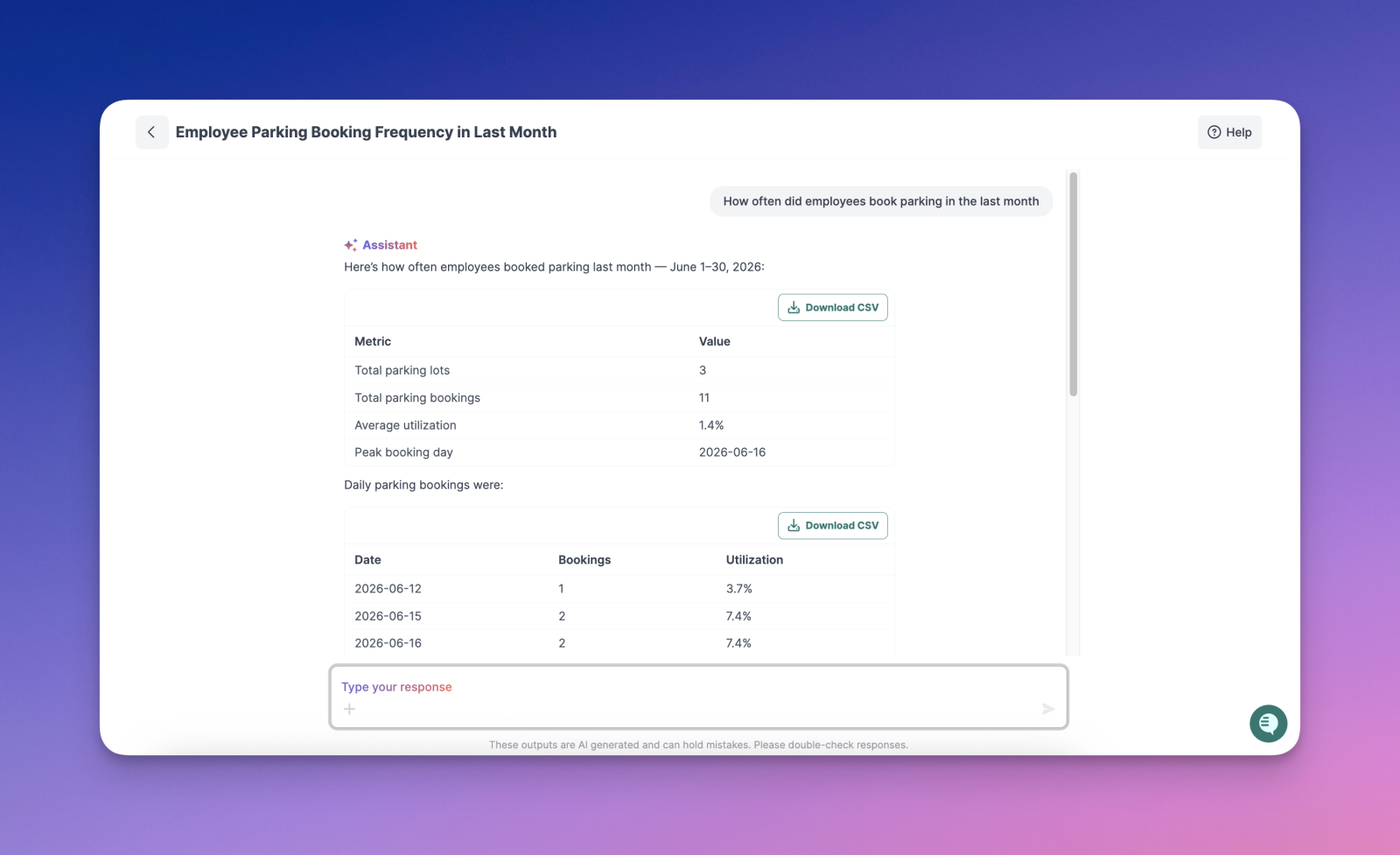
You can now interact directly with AI Assistant responses:

  • Like / Dislike buttons to quickly rate responses and help us improve quality
  • Copy button to easily copy a response for reuse or sharing

Your feedback helps us make the Assistant better over time.

Jan 29, 2026

A cleaner, more intuitive Presence settings page
We’ve refreshed the design of the Presence settings page to reduce clutter and improve navigation. With a simpler layout and clearer controls, managing your PULT Presence Settings is now faster and more straightforward.

Jan 21, 2026

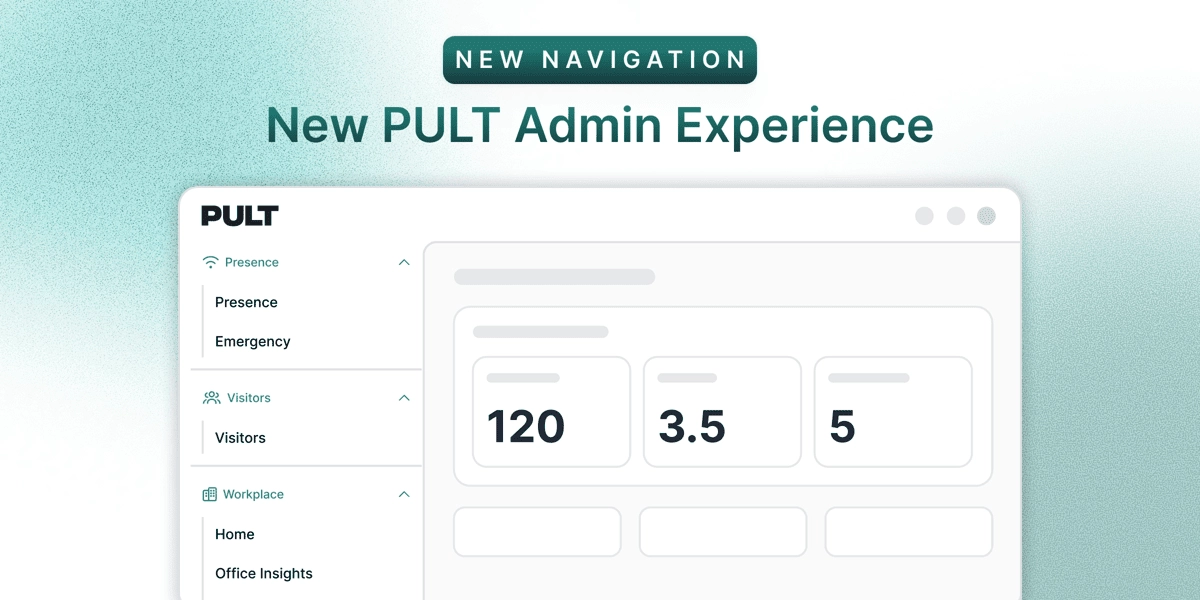
We’ve redesigned the PULT dashboard navigation to make it easier to explore what’s available today—and what’s coming next. The navigation is now organized into two clear sections:

  • PULT AI
    A dedicated space for all PULT automation and AI-powered tools. This section highlights tools that are currently available as well as upcoming capabilities, giving you a clear view of what’s live and what’s on the roadmap.
  • PULT Workplace
    Home to all existing tools and functionalities that power the core PULT SaaS experience. Everything you already use remains here, now grouped for easier access and clarity.

Jan 07, 2026

What’s changed

  • Users are no longer prompted to grant Slack permissions every time they sign in.
  • A one-time Slack authorization by an admin is now sufficient for the entire workspace.

What admins need to do (one-time setup)
1. Sign in to PULT as an admin.
2. Go to Integrations → Slack.
3. Click Connect Slack Admin to authorize the Slack app.

This installs the required permissions once per workspace.

User Status Sync

  • If User Status Sync is enabled, Slack statuses will automatically sync with PULT presence.
  • If disabled, no additional Slack permissions are required.

Result

  • Users can sign in smoothly with Sign in with Slack.
  • No repeated permission prompts on subsequent logins.
  • Users will now see the updated Slack sign-in page.
Dec 16, 2025

Users can now filter Office Insights by office. You can select one or multiple offices to view tailored statistics, making it easier to analyse performance and trends across different locations.

Dec 04, 2025

We’ve added a new Dedicated Export page that makes it easier to download key data. The page includes exports for:

  • All Bookings
  • In-Office Bookings
  • Parking Bookings

All exports are now available from one dedicated place for quicker access and smoother reporting.

Dec 04, 2025

We’ve released a major update to the PULT Dashboard Home page, delivering a clearer, more actionable overview for administrators. This update introduces several new visualisations and improvements designed to streamline daily monitoring and decision-making.

✨ What’s New

1. Office Bookings vs. Attendance Today

  • A revamped graph now displays today’s office bookings, presence detection/Check-ins, and absences (vacation or sick leave) sourced from your integrated HRIS.
  • Hover interactions reveal exact numbers for each data point.

2. Visitors Overview

  • A new Visitors section summarises:
    • Visitors arriving today
    • Expected visitors this week
  • Includes a fast-action option to check in the next arriving visitor.

3. Meeting Rooms & Catering

  • Meeting Rooms
    • Shows the number of pending suggestions from the scheduling agent.
    • Includes a quick-access button to navigate directly to the scheduling page.
    • If no catering data is available, the next pending suggestion is displayed here.
  • Catering
    • Displays how many meetings require catering today and this week.
    • Includes a shortcut button to the catering management page.

4. Weekly Bookings Graph

  • Provides a clear weekly breakdown of:
    • Bookings + actual check-ins for past days
    • Default + planned bookings for upcoming days
  • Hovering shows exact values and office capacity for better context.

5. Active Announcements

  • Highlights currently active emergency or general announcements.
  • If none are active, upcoming announcements are displayed instead.
  • Includes a button linking to the announcements management page.

Familiar Tables

  • The bottom of the page includes the:
    • Office Usage Today table
    • Usage Details Today table
  • These continue to provide employee-level insights on bookings and attendance.
Nov 28, 2025

To make seat selection clearer and reduce confusion, default and existing bookings are now fully visible in the Guest Booking Floorplan. Users no longer need to guess which seats are available—occupied seats are clearly marked so they can choose a free spot easily.

Nov 27, 2025

PULT’s dashboard navigation and structure have been radically redesigned with a cleaner, modern look and a more logical, user-friendly layout.

  • Redesigned primary and secondary navigation bars for clearer orientation and quicker access to key sections.
  • More intuitive menu grouping, ensuring related tools and pages are organised together in a logical flow.
  • Improved labeling to reduce guesswork and help users understand where they are at all times.
  • Consistent navigation placement across all pages so users don’t need to relearn layouts when moving through the dashboard.

For detailed guidance on navigating the updated dashboard and making the most of its new structure, visit our Help Center. Here you’ll find step-by-step instructions, tips, and screenshots to help you get familiar with the changes.

Nov 25, 2025

Users can now set “Absent” as a default option for specific weekdays in their personal settings.
This is especially helpful for team members who work a 4-day week or have part-time schedules.

Why this matters:
Previously, many users marked their non-working days as “Time off”, which wasn’t accurate and created inconsistencies with HR systems. With this update, users can now correctly mark non-working days without affecting vacation or leave tracking.

This improvement ensures cleaner data, fewer HR adjustments, and a more accurate reflection of each person’s work schedule.

Nov 18, 2025

You can now configure default workplace selections based on teams in Pult. This update is especially useful for organisations with diverse user groups where not everyone should have access to the same default workplace options.

What’s new:

  • Admins can assign team-specific default workplaces, ensuring users only see the options relevant to them.
  • Functionality works similarly to desk policies, providing a familiar setup flow.
  • Improved control and clarity for teams with different workspace entitlements.

This enhancement helps organisations streamline workplace management, reduce confusion for users, and maintain better access control across teams.