Here you'll find all the latest updates and improvements we've made to the platform. If you have any questions, feel free to reach out to our support team at support@pult.com
You can now exclude specific absence types—such as Public Holidays, Vacation Days, Sick Days, and Others—from the Average Attendance Graph calculations.
This gives you more control and ensures the graph reflects attendance in the way that best suits your reporting needs.
When absence types are included, the graph now also displays which employees had which type of absence within the selected time frame.
We’ve improved the Average Attendance time selector on the Presence Insights page to highlight Current Week and Last Week. The Current Week reflects attendance from Monday up to today, while Last Week represents the full span from the previous Monday through Sunday. This update makes it easier to compare recent attendance patterns at a glance and quickly identify shifts in team presence over time.
We’ve expanded Presence visibility so that Team Leads now have access to the Presence data of their team. This update gives leads better insight into team availability, making it easier to coordinate schedules, manage workloads, and support collaboration. Only the Presence data of the team members a lead manages is visible, ensuring transparency while keeping data focused and relevant.
We’ve made the Presence dashboard even more insightful!
You can now view the average weekly attendance per employee across your selected time range. Each tile displays the employee’s name, team, and average attendance, with color-coded visuals that make it easy to see how often each person comes into the office.
This update gives you a clearer picture of attendance patterns to help with planning and team visibility.
We’re excited to announce that the PULT Presence Agent App is officially live! Once installed on the work desktop, the app will automatically detect when users arrive at the office—no manual check-ins required!
With this app, you’ll enjoy:
Seamless check-ins – Say goodbye to missed or inaccurate log-ins.
Improved office insights – Get more reliable data on workspace usage and attendance.
Time-saving convenience – Focus on work instead of managing check-ins.
Enhanced workplace experience – Help optimize office resources and improve collaboration.
Installing the app is quick and easy, and it ensures everyone benefit from a smoother, smarter office experience.
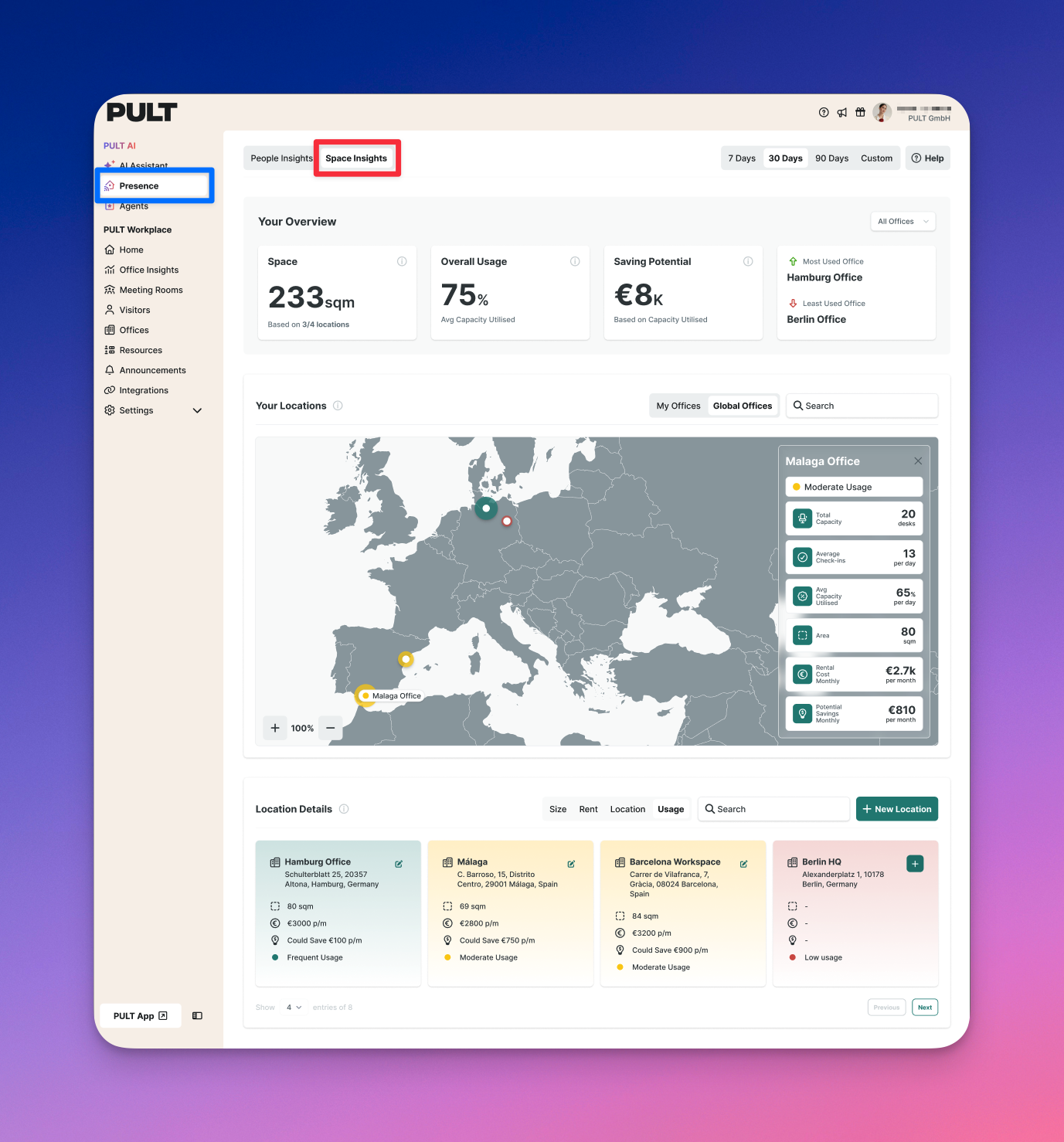
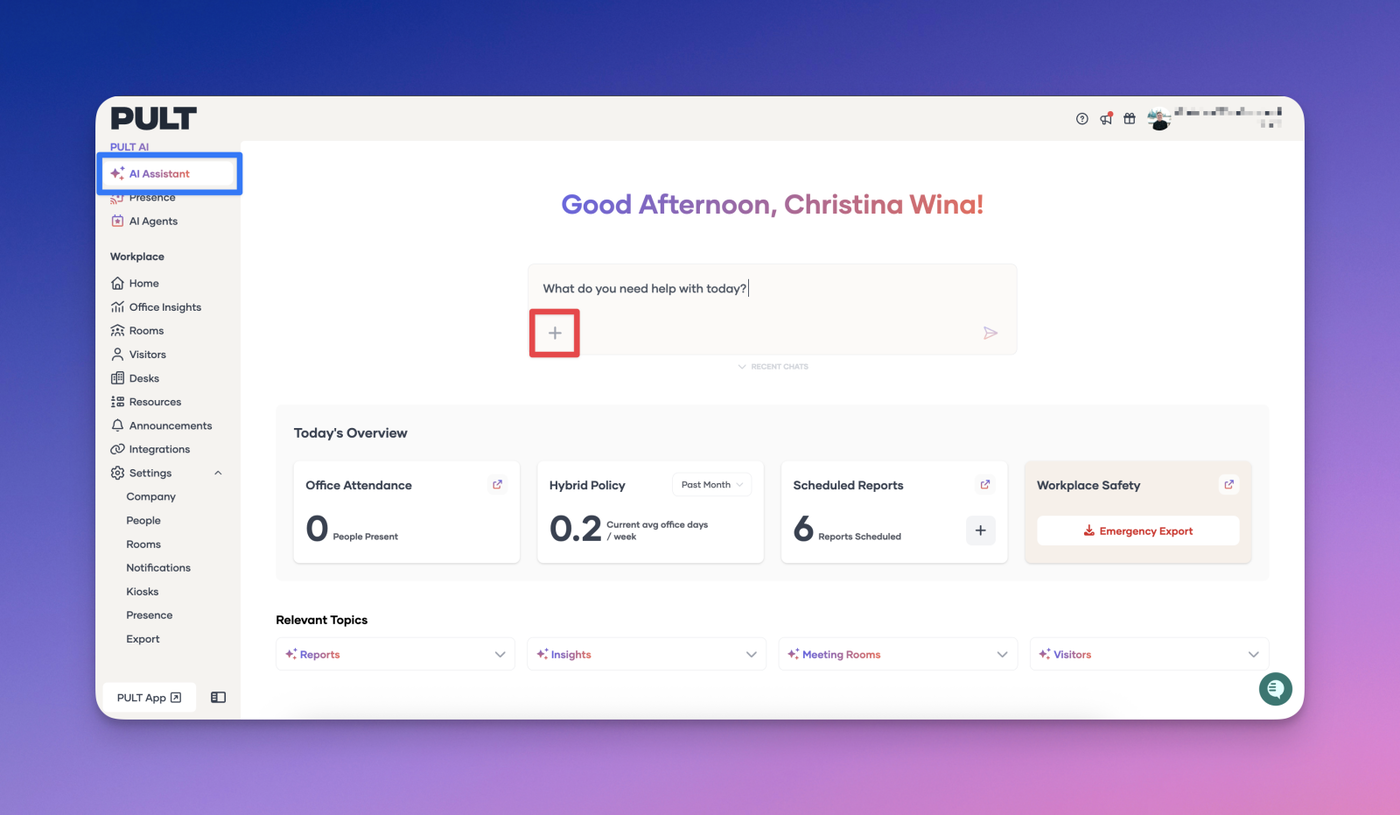
We’ve just released a brand-new Presence Insights Dashboard to give you deeper visibility and reporting around employee presence in the office.
What’s New
The dashboard provides a comprehensive view of presence data, including:
First Seen / Last Seen – Track when employees first arrive and when they leave for the day.
Total Hours in Office – Get accurate daily presence duration for each employee.
Location-Based Detection – Review office attendance broken down by location, per day.
Exports & Reports
Standard Exports – Easily export presence data for further analysis or record keeping.
Emergency Export – In case of emergencies, instantly generate a precise report showing exactly who was in the office at a given point in time.
Why It Matters
The new dashboard makes it easier to:
Monitor office usage patterns.
Support compliance and workplace safety.
Improve operational decision-making with accurate presence insights.
Act quickly in emergency situations with verified presence data.
We’re actively working on expanding the Presence Dashboard with additional insights, richer reporting, and new features to help you get even more value from your presence data. Stay tuned for upcoming updates! ✨🚀
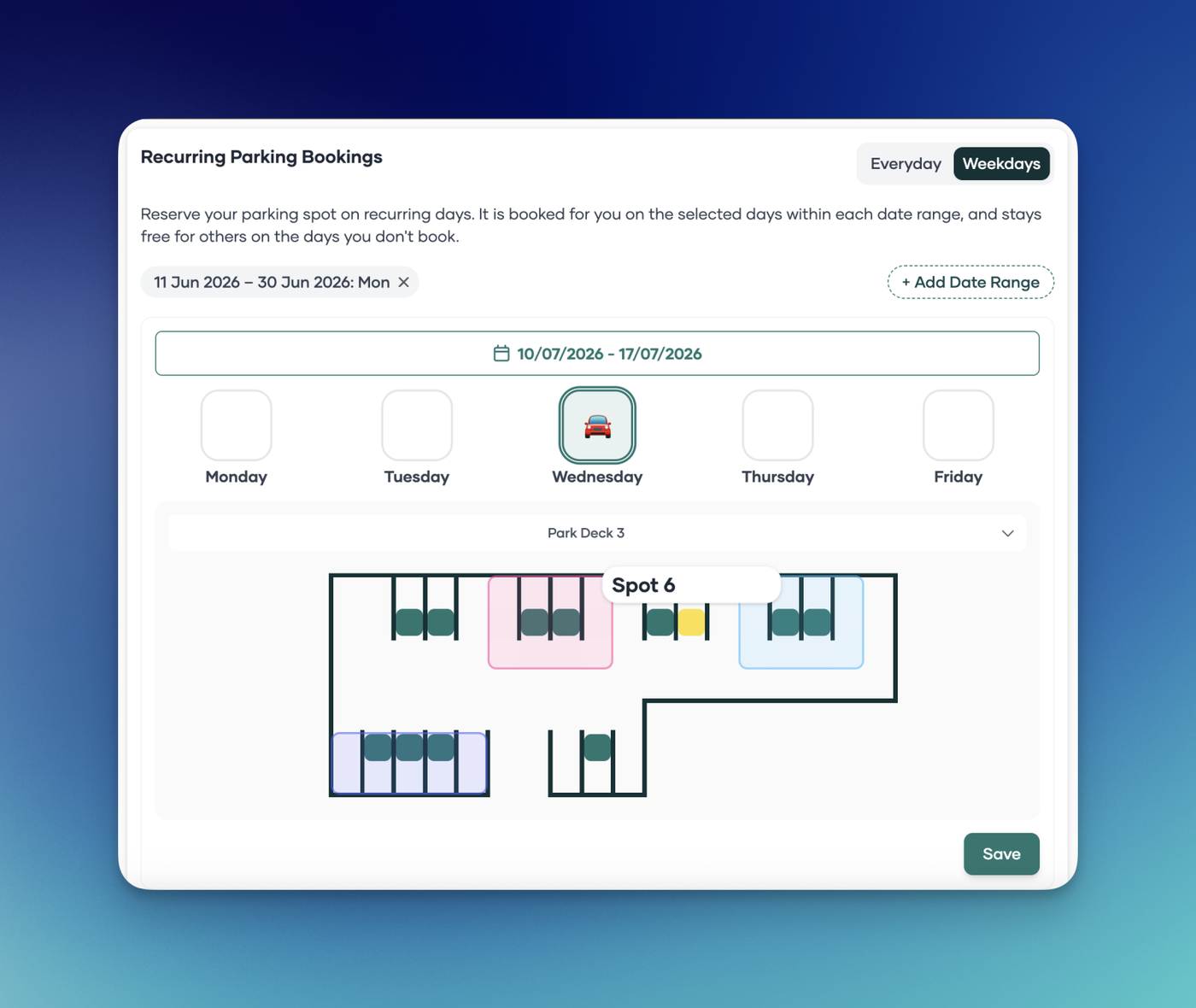
We’ve added real-time notifications to let you know when a parking spot becomes available in your office's parking lot. Just enable alerts, and we’ll ping you the moment a space opens up.
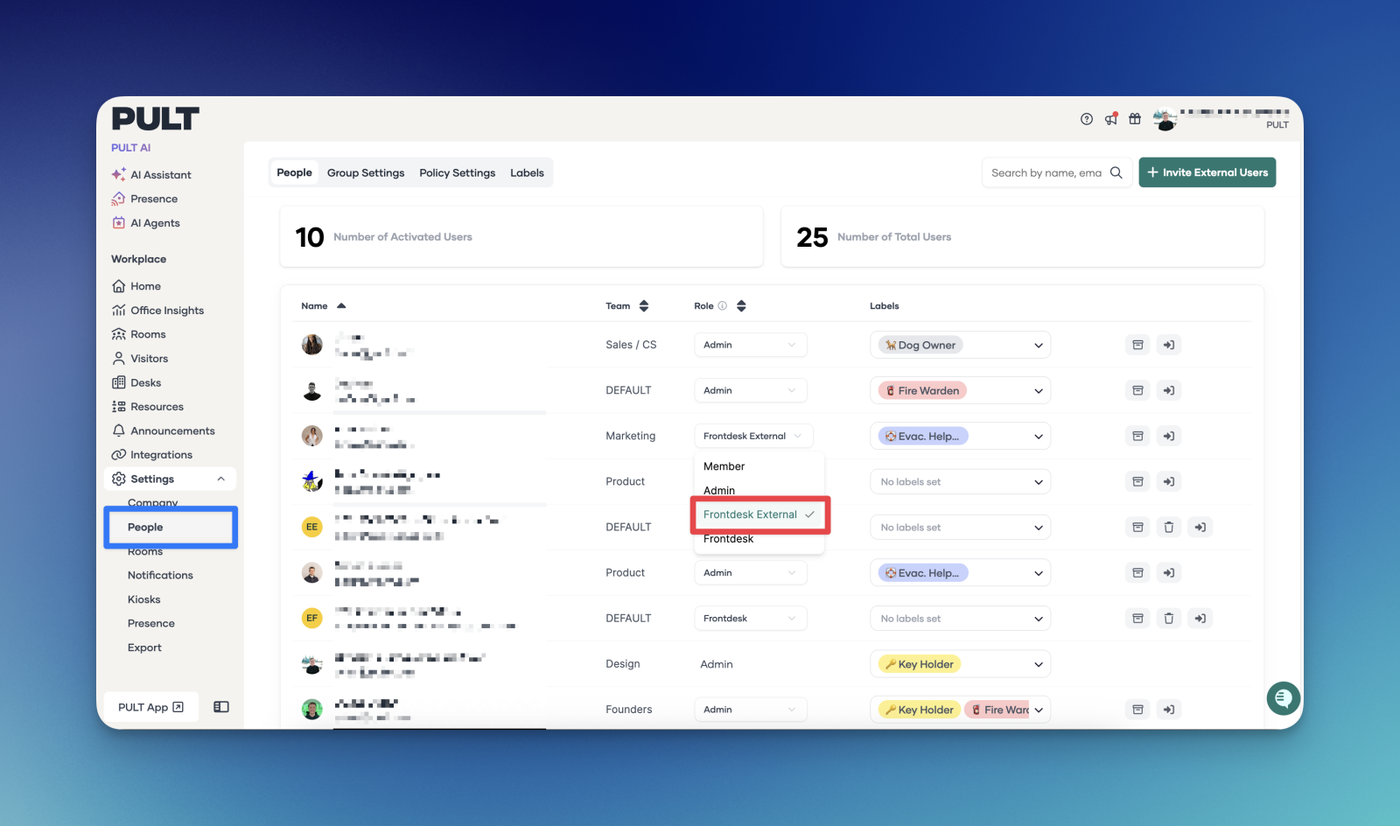
We’re excited to introduce Policy Groups – a powerful new way to tailor your settings for specific teams or individuals within your organisation.
What are Policy Groups?
Think of Policy Groups like sub-groups that override your organisation-wide settings. They allow you to define custom rules for specific users and groups, giving you more flexibility and control.
What can you do today?
As of this release, you can use Policy Groups to set how far in advance certain users can book parking – perfect for giving priority access to users
What’s coming next?
This is just the beginning! We're working on expanding Policy Groups to support more settings soon.
We’d love to hear how you use Policy Groups and what settings you’d like to see next – drop us your feedback!
The list of offices on the Insights homepage is now automatically sorted alphabetically, making it quicker and easier for admins to find data for specific locations.
No more scrolling through a disorganised list—just scan and select.